
GUIDE / IMU FULL-BODY TRACKING
FULL-BODY VR.
NO BASE STATIONS.
IMU trackers can estimate body movement without cameras or room-mounted Lighthouse hardware. That makes the setup portable and approachable, but it also creates tradeoffs worth understanding before you buy.
01 / THE BASIC IDEA
HOW IMU TRACKING WORKS.
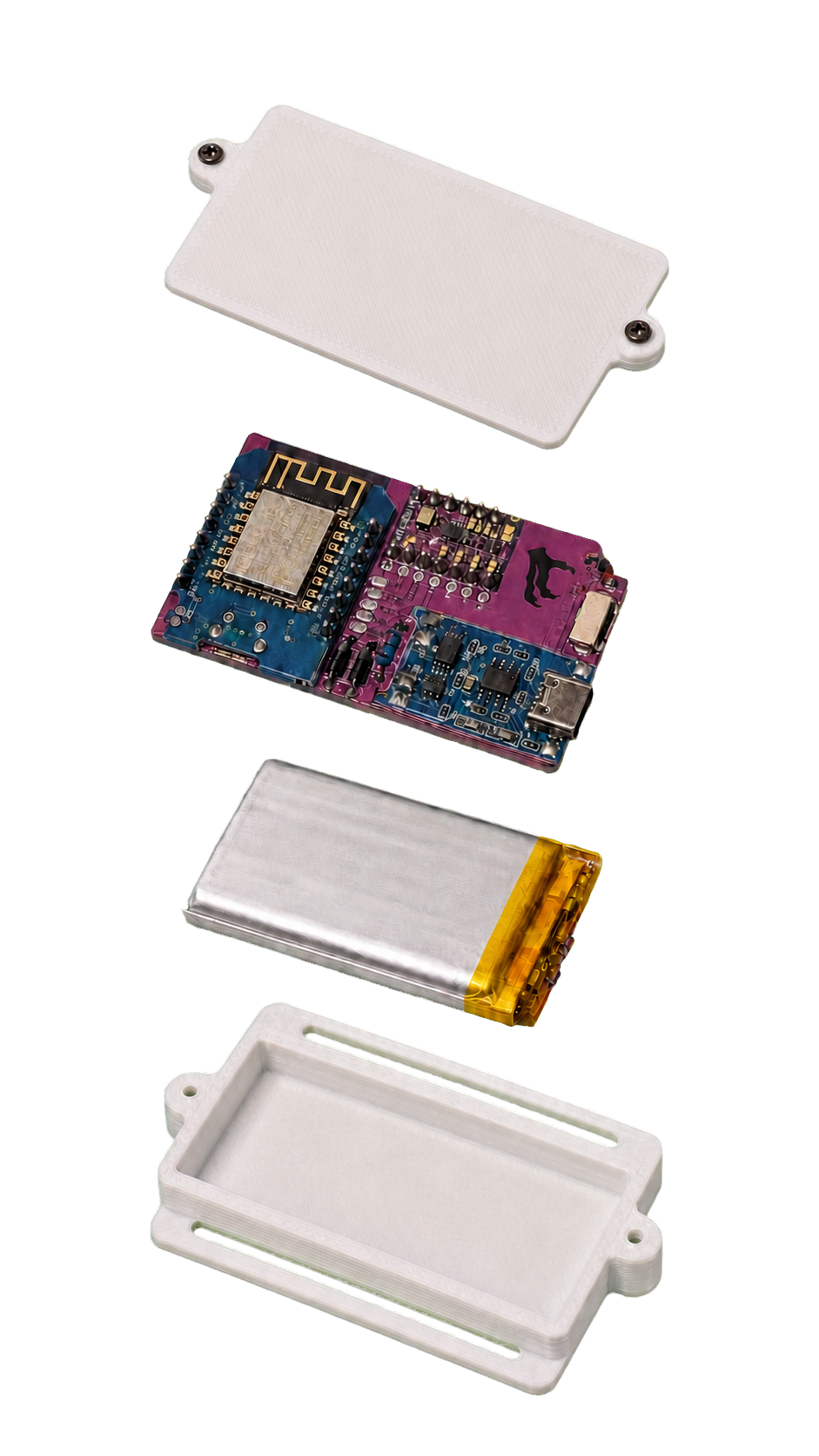
An inertial measurement unit, or IMU, measures rotation and motion at each tracker. Software combines those readings with your headset position and an avatar skeleton to estimate where your chest, hips, legs, and feet should be.
Because the trackers do not need to be seen by room-mounted sensors, they can keep reporting motion under clothing or when furniture blocks line of sight. The tradeoff is that an IMU system estimates position instead of measuring every tracker against a fixed external reference.
02 / THE TRADEOFF
PORTABILITY
VS. EXTERNAL REFERENCE.
EASY TO MOVE
No room-mounted base stations and no Lighthouse line-of-sight requirement. Recalibration is part of normal use.
FIXED REFERENCE
Base stations provide an external positional reference that improves drift resistance, but add cost and room hardware.
03 / TRACKER COUNT
WHAT DOES EACH SET COVER?
More trackers give the software additional body references. The right count depends on the movements and avatar joints you care about most, not simply the largest number available.
5 trackers
Chest, left/right thighs, and left/right ankles
6 trackers
The 5-tracker set plus hip
7 trackers
Chest, waist, hip, thighs, and ankles
8 trackers
Chest, hip, thighs, ankles, and feet
04 / A PRACTICAL SETUP
FROM BOX TO VRCHAT.
- Charge and strap in.Secure each tracker firmly so it moves with the body part.
- Connect the network.Use 2.4 GHz Wi-Fi on the same local network as the computer running the tracker software.
- Assign body locations.Match each physical tracker to its intended chest, hip, leg, ankle, or foot position.
- Calibrate in a neutral pose.Follow the app and platform calibration steps before entering a session.
- Recalibrate when needed.If a body part becomes off-axis after movement, realign it and continue.
05 / QUICK ANSWERS
BEFORE YOU CHOOSE.
Does it work with Quest?
RaptorVR supports compatible Quest 2 and Quest 3 setups. PC VR is highly recommended for the easiest setup and tracker management.
Does it work with Pico?
Compatible Pico VR paths are supported. As with Quest, PC VR is highly recommended where available.
Will it work in VRChat?
RaptorVR is designed for compatible VRChat full-body tracking setups through supported SteamVR or OSC paths.
Does it eliminate drift?
No. IMU systems can drift because they do not use a fixed external positional reference. Recalibration realigns the estimated pose.
How long does it run?
Each RaptorVR 1.0 tracker is specified for up to approximately 11 hours, depending on use and network conditions.
Is RaptorVR fully production-tested?
Not yet. RaptorVR 1.0 is a pilot product, and final production units are pending physical fabrication and bench validation.
NEXT STEP
SEE THE SYSTEM.
ASK THE COMMUNITY.
Compare set sizes, see both colors, or join Discord for launch updates and setup questions.